
New — Now on the App Store
TipMap
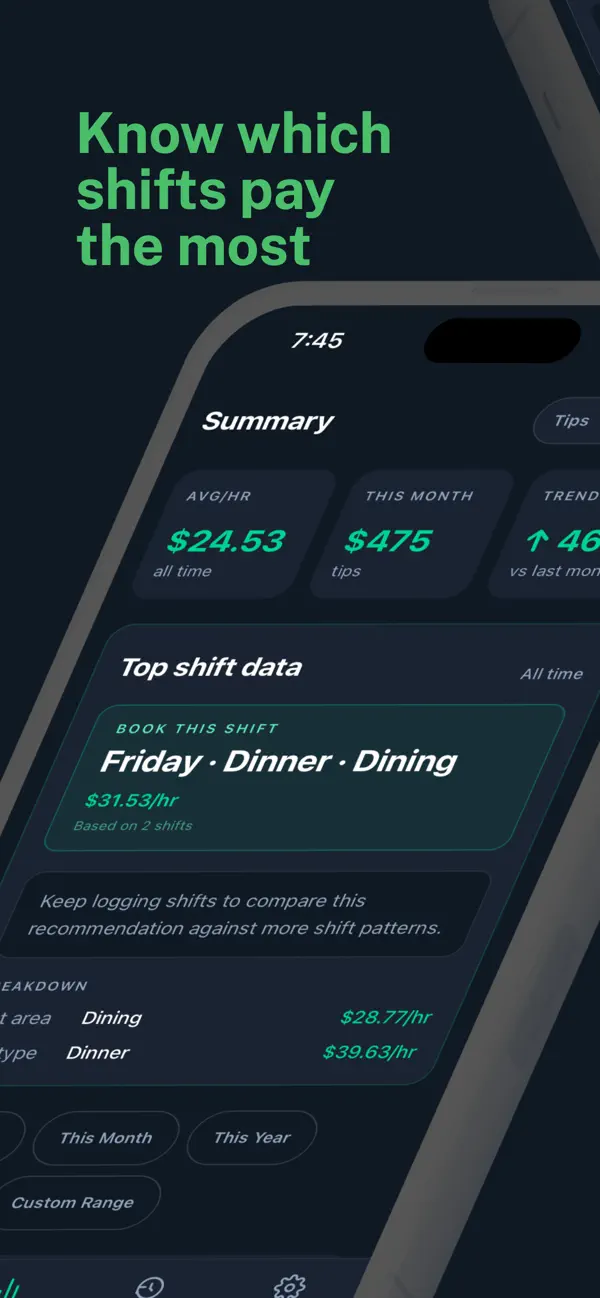
Track your tips. Know which shifts pay most.
TipMap tells you which area, day, and time earns the most per hour. Now available on iPhone.
Download on theApp Store
Free download · Made for iPhone
Inside the app
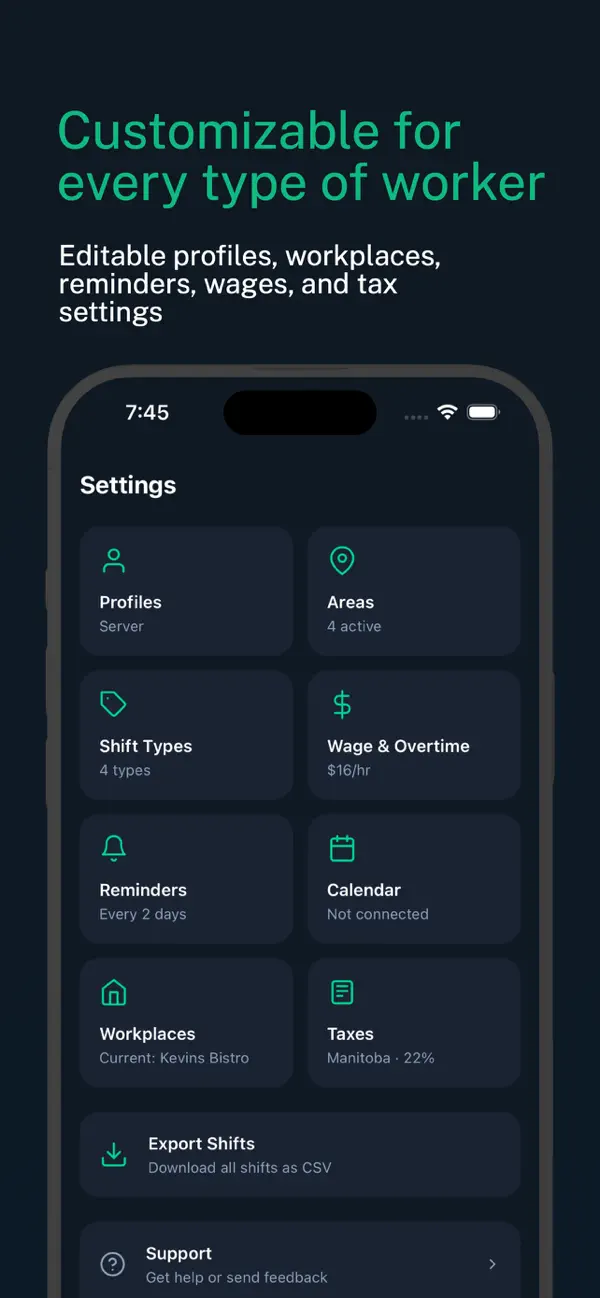
Swipe to see more
Built for the end of a shift.
1
Find what pays most
See which area, day, and time earns the most per hour.
2
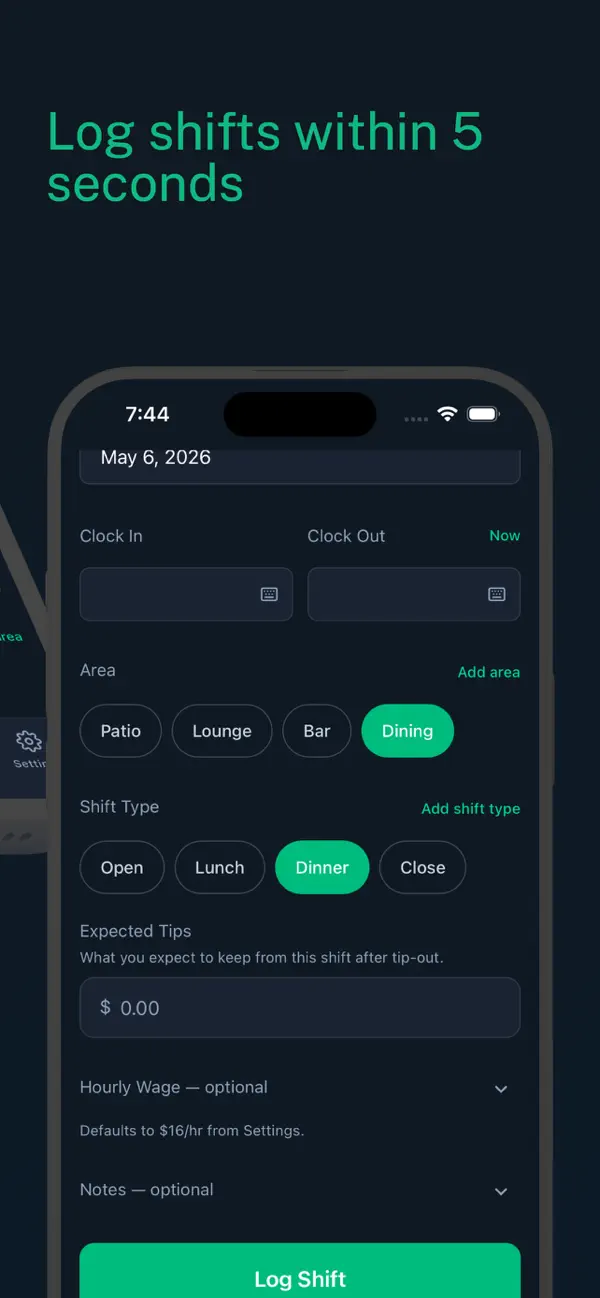
Log fast
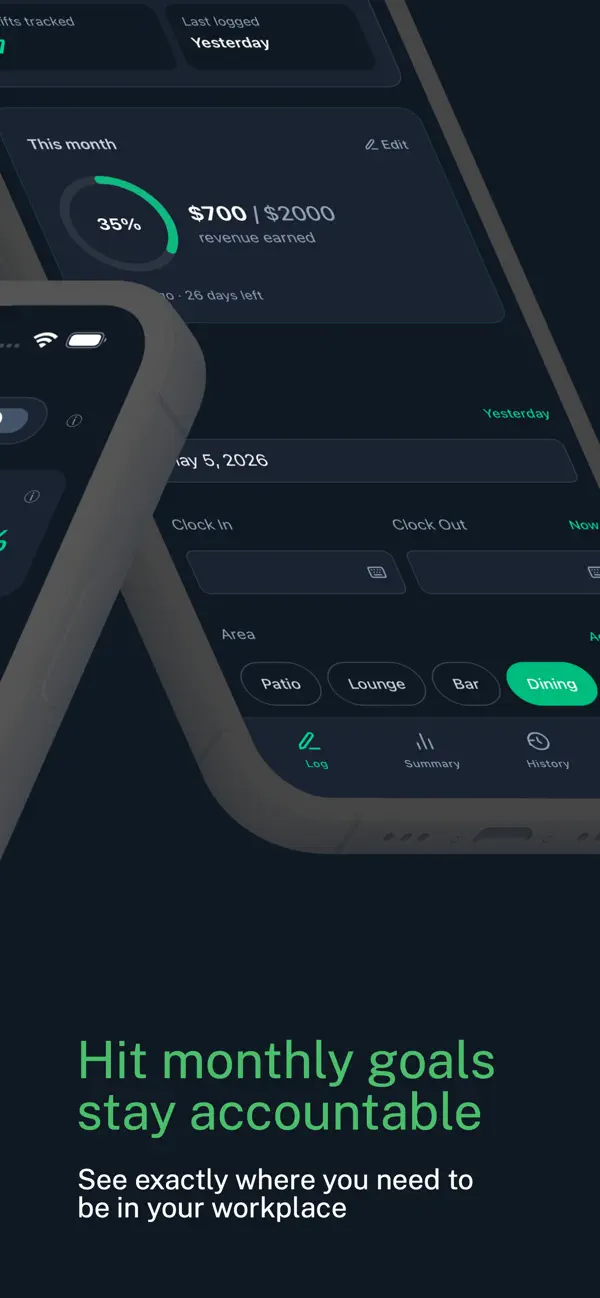
Enter your shift time, area, and expected tips while the numbers are still fresh.
3
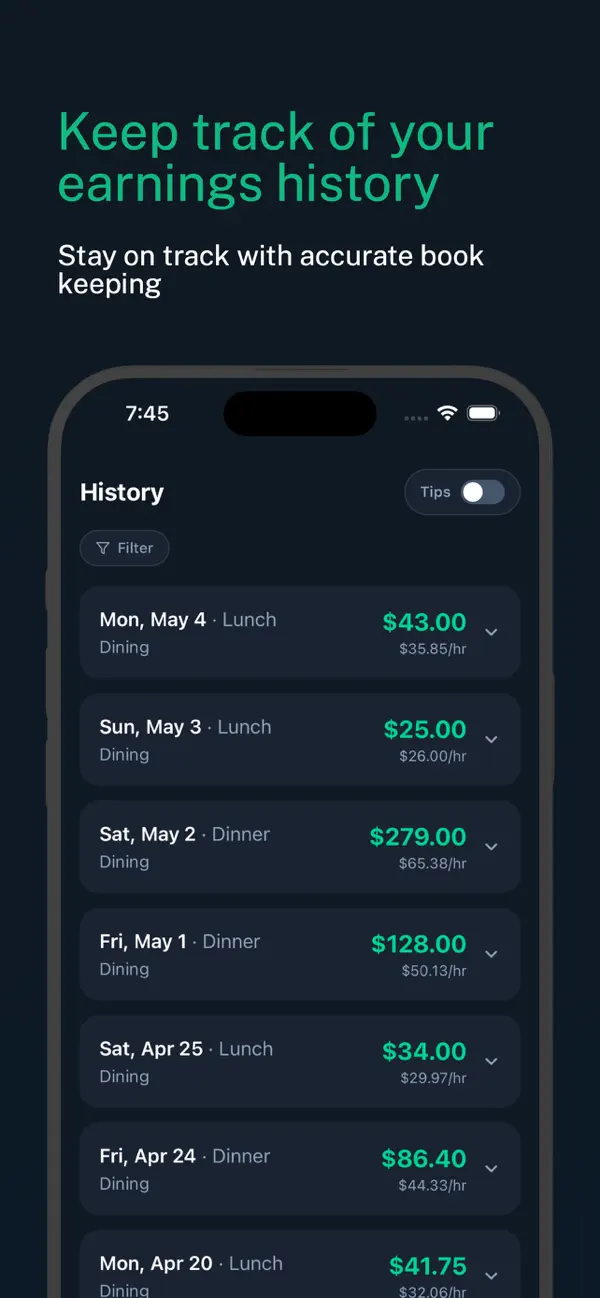
See your full earnings
Add your hourly wage to see total revenue per shift, not just tips.
Available now
Get TipMap on iPhone
Free download. Your shift data stays private to your account.
Download on theApp StoreBuilt by Noah
Four years in the industry, never knowing which shifts were worth picking up. TipMap is the tool I would have built then.
About & Donate